1
Check your email
Look for your access details.

Access details have been sent to your email.
Follow these in order.
Look for your access details.
Use your registered number.
Your workshop access will appear there.
Check the list before the workshop.
Everything important is below.
Please join using your registered number.
Using another number? Inform support after joining.
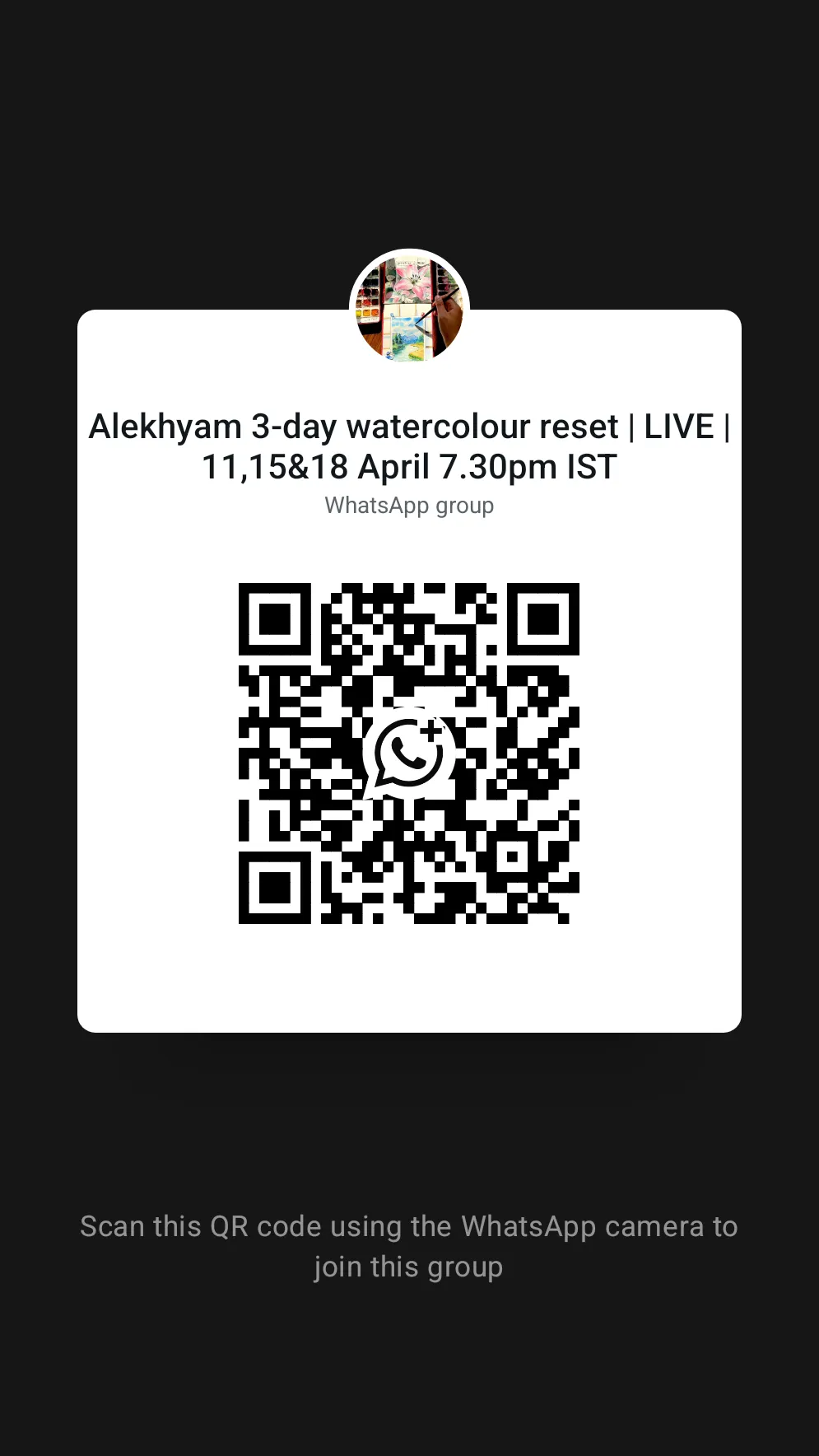
Also available in your student dashboard under the introduction section.
Your workshop access and future recordings will appear here.
Open your dashboard easily on iOS or Android.
Reach out if you do not receive access details or need help joining.
Introduce yourself or share your supplies if you would like to.
Approvals are manual, so it may take a few hours.
Before the workshop begins, keep your materials ready and make sure you can log in smoothly.